
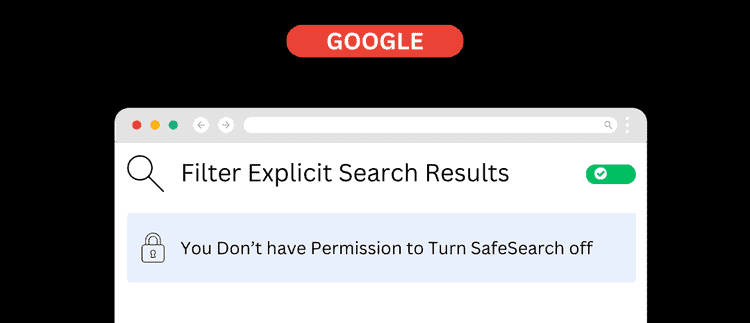
Australia Is Introducing Age Verification on Search Engines, Here’s What You Need to Know
Australia is entering a new era of online regulation, with major reforms shaping how young people access the internet. While the “social media ban” has made headlines, there’s another shift happening more quietly:
Search engines in Australia will soon require age verification and automatically restrict search results for users under 18.
These reforms sit under the federal government’s ongoing online safety agenda, led by the eSafety Commissioner. The new rules require search providers to verify user ages and automatically apply SafeSearch for younger audiences.
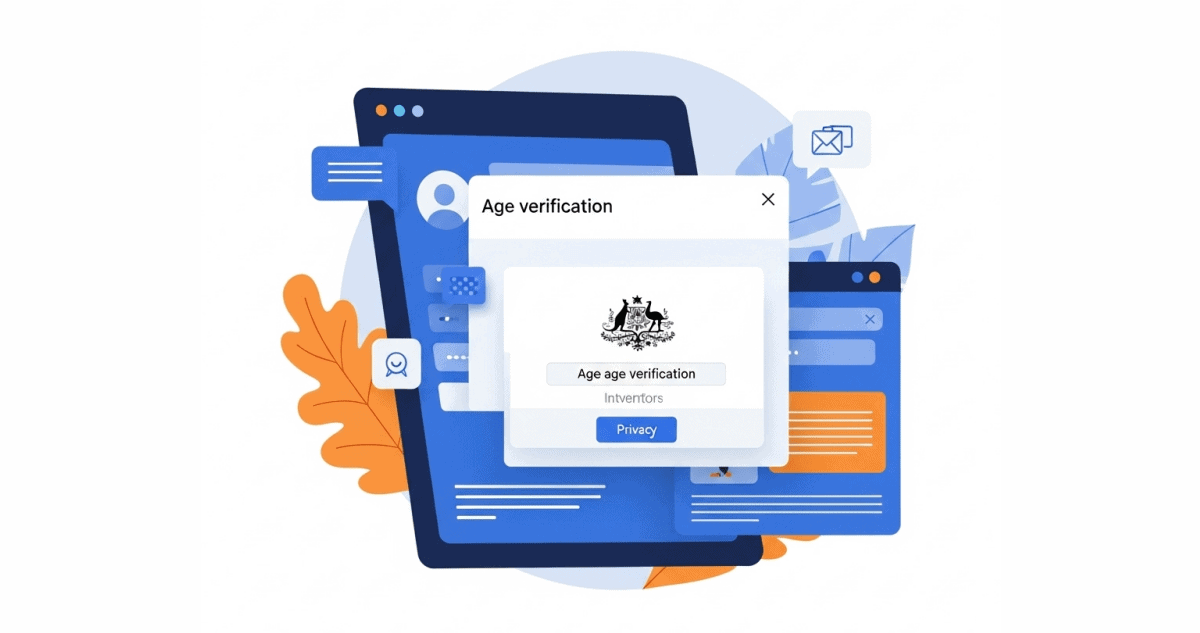
What’s Actually Changing for Search Engines?
Under the new online-safety codes, search engines operating in Australia (e.g., Google, Bing, DuckDuckGo, etc.) will be required to:
- Verify a user’s age before showing unrestricted search results
- Apply SafeSearch automatically for under-18 users
- Filter explicit, violent, sexual, or high impact content
- Reduce visibility of harmful or adult themed search results for minors
- Comply with stricter Australian online safety standards
Parents Should Choose What’s Right for Their Family
As Australia prepares to introduce age verification, some platforms may eventually ask families to confirm a child’s age using methods such as:
- Photo ID
- Account verification
- Age estimation tools
- AI based facial scans
Before you hand over a child’s sensitive information, it’s important to understand the potential implications.

1. Children’s data is extremely sensitive
A child’s ID, passport details, birth certificate, or biometric scan can be more valuable to cybercriminals than an adult’s. Unlike adults, kids can’t check their credit history, monitor accounts, or spot identity theft for years.
2. Once collected, data can be stored or shared
Even reputable platforms may retain age verification data for:
- Compliance
- Security
- Auditing
- Service verification
Parents should review each platform’s:
- Privacy Policy
- Data retention policy
- Third party data sharing information
3. Facial scans = biometric data (which can’t be “changed” if leaked)
Passwords can be reset.
A face cannot.
If a biometric scan of a child is ever exposed or mishandled by a provider, the risks are permanent.
4. Parents should always choose the least intrusive verification method
If age verification is required, look for:
- Non biometric age estimation (preferred)
- Account level age verification (with parental management)
- Device based parental controls
- Alternative verification via parent/guardian account
Avoid providing:
- Child’s ID
- Passport
- Medicare card
- Facial recognition scans
- Biometric data of any kind unless absolutely necessary.
Parents can always choose the verification option that feels appropriate or explore alternative tools if they prefer not to provide personal documents.
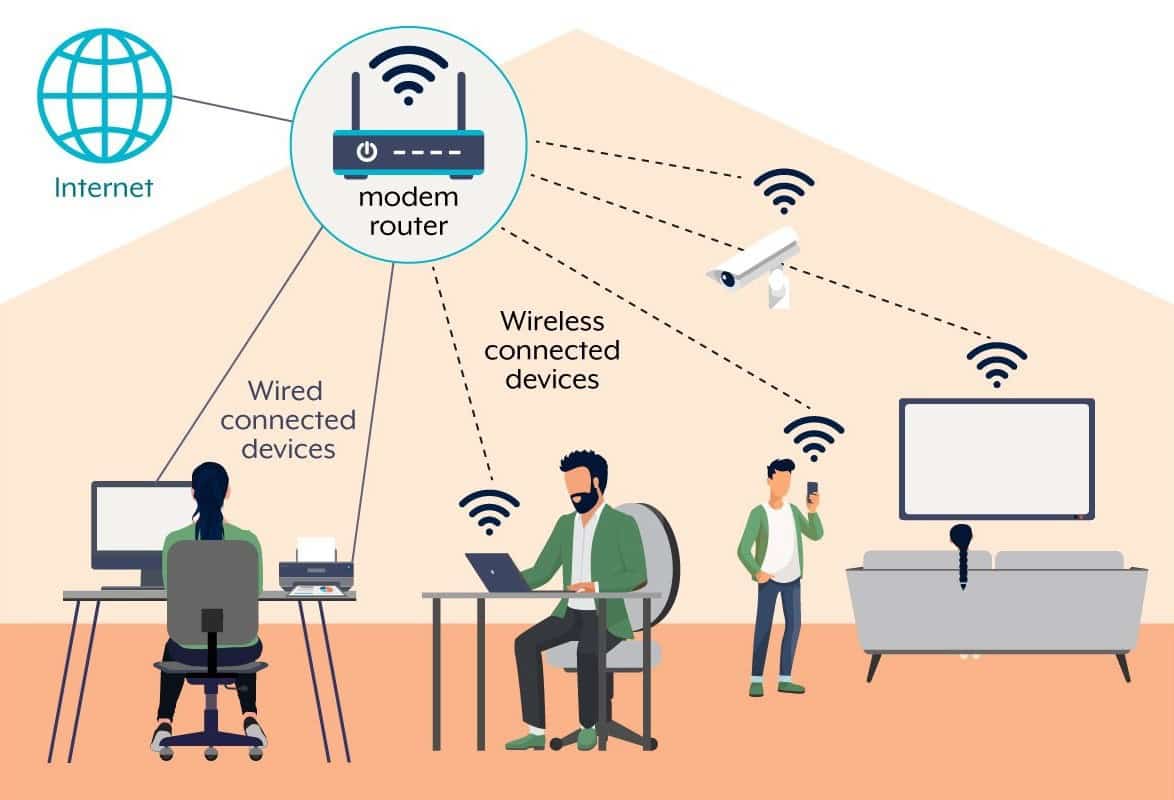
How CRISP Supports You Through These Changes
As a forward thinking ISP, CRISP already provides advanced online safety tools long before the new rules were announced. When age verification on search engines becomes mandatory, CRISP customers will have layered protection.
1. ISP Level Filtering & Content Blocking
CRISP blocks dangerous, malicious, explicit, or inappropriate sites at the network level.
This includes:
- Malware downloads and malicious scripts
- Phishing domains and credential harvesting sites
- Botnet communications and Command & Control servers
- Fake streaming sites, scam apps, and malware laden downloads
- Domains generated by DGA based malware (used by sophisticated cybercriminals)
- Spoofed or fraudulent DNS pages that could redirect users to unsafe sites
With government rules tightening, search engines will soon help filter what shows up in search results, but CRISP protects everything beyond search, covering:
- Apps
- Direct links
- Pop ups
- Hidden redirects
- Background malware traffic
- Smart TVs, consoles, IoT devices
- Every device connected to your home WiFi
In short: search engines are aiming to protect what your kids search for, CRISP protects the rest of the internet.